Additional
Tutorials
How to get the ads out of the way with a card, and how to pay for a subscription or a pack of points with bitcoin: which network to pick, how long it takes, and video walkthroughs for the two apps people use most.
1. Skipping The Ads With A Card
If you would rather not sit through the ads before a download, there is a card subscription that takes them out of the way.
It starts from any archive link on the site. Open one, and instead of going through to the file you can sign in with Google or make an account with an email address. The subscription is then paid by card — Apple Pay included — and the first two days are free.
2. Paying With Bitcoin
Everything on the site is paid in bitcoin, sent straight to our own wallet. The checkout page gives you an address, the exact amount and a QR code — all you do is send it from wherever you keep coins, and the page follows the payment on its own.
Copy the amount from the checkout page instead of rounding it. Your wallet's own network fee is charged on top and does not come out of what we receive, so a rounded-down amount arrives short and has to be sorted out by hand.
Never sent coins before? The two sections below cover the apps people use most. The videos were made by other people, not by us, and they open on YouTube.
3. Sending From Cash App
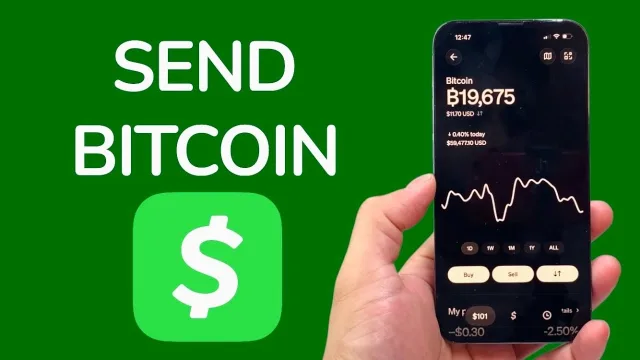
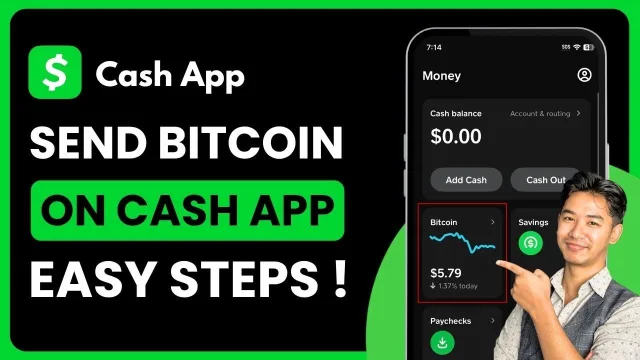
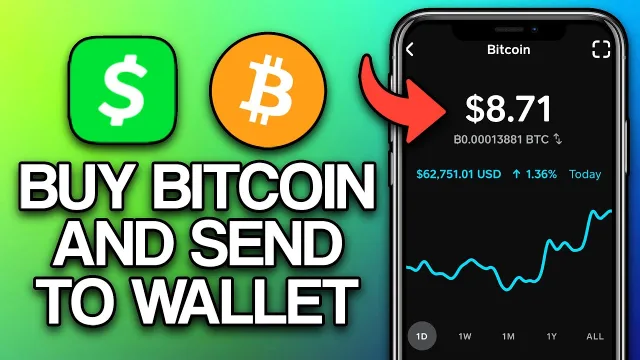
Cash App keeps bitcoin under its own Bitcoin tab. What you need is the withdraw or send option, then pasting our address and the exact amount.
4. Sending From Coinbase
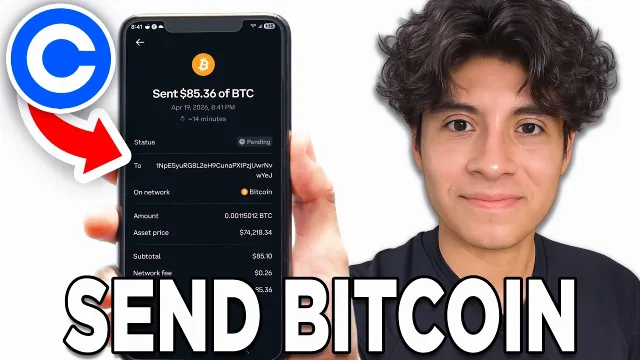
On Coinbase the action is called Send, and the part that matters is choosing the Bitcoin network rather than any of the wrapped or Lightning options it may offer you.